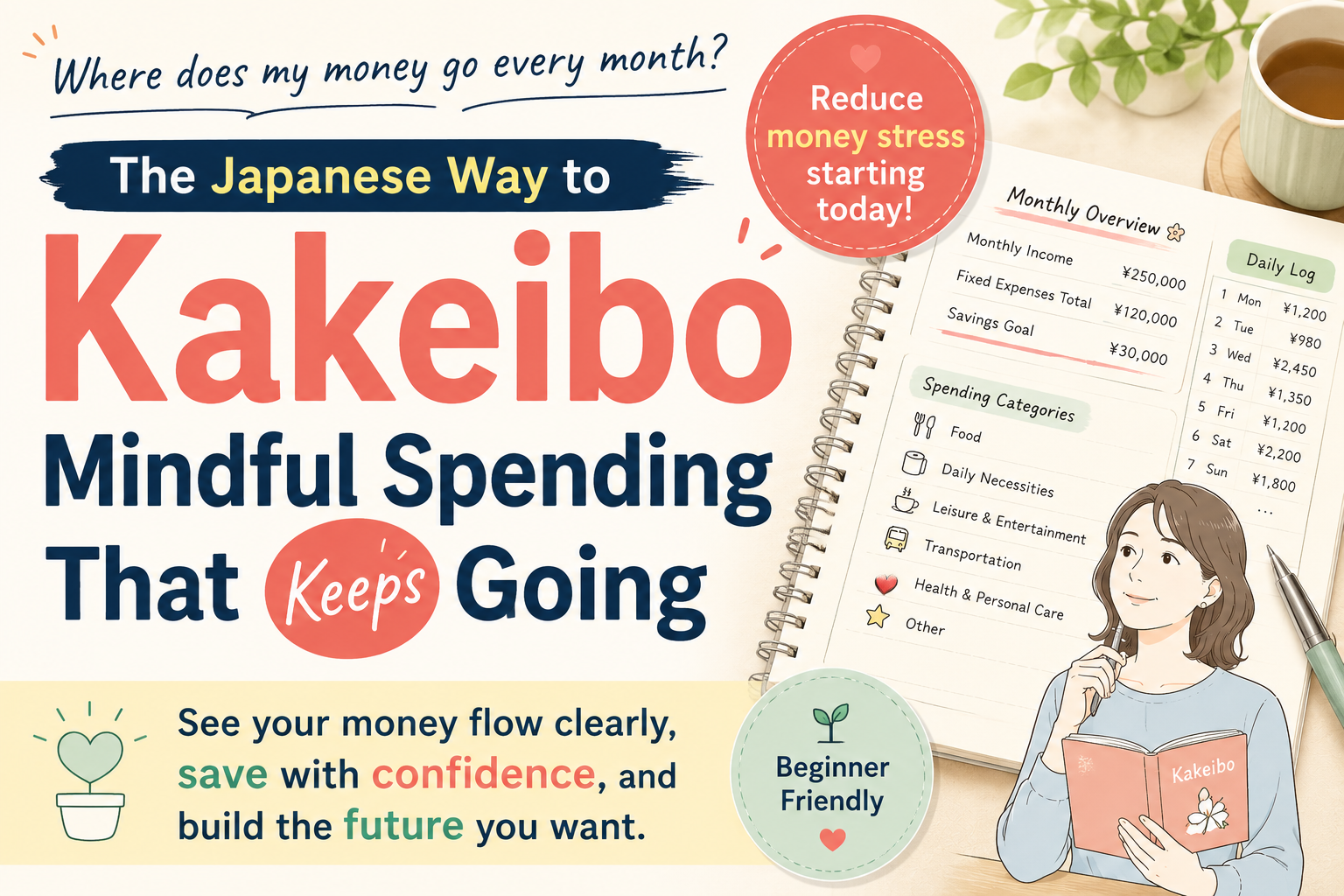
Have you ever tried to keep a household budget and found that you could not continue?
Commercial budget books, household-finance apps, and homemade Excel sheets all seem promising, yet many people have failed repeatedly over ten years or more. What they eventually discover is that the real problem may be the choice of tool.
Ready-made products often include categories you do not need while failing to provide categories you do need. Apps look convenient, but services can be discontinued. Excel offers freedom, but carrying files around and keeping them synchronized is troublesome.
A customized household budget in Google Sheets can solve these problems.
This article explains why ready-made products often fail, why a spreadsheet can be the best choice, and how to build and operate a household budget that can be maintained for four years. It is especially useful for people who manage several payment methods or feel uncertain about their finances.
- Four Reasons Ready-Made Household Budgets Are Hard to Maintain
- Three Reasons to Choose a Spreadsheet
- Functions to Include in a Customized Household Budget
- Two Tips for Turning Operation into a Habit
- Practical Benefits Gained After Four Years
- Answers to Common Questions About Setup and Operation
- Organize Your Finances at Your Own Pace with a Spreadsheet Budget
Four Reasons Ready-Made Household Budgets Are Hard to Maintain
The reason you cannot continue may not be a lack of willpower. It may be a mismatch between you and the tool. Let us clarify the structural reasons ordinary household budgets often fail.
The first reason is a mismatch in categories. Ready-made household budgets use standard categories such as food, transportation, clothing, and entertainment. But every household is different. Some families spend heavily on education, others on veterinary care, and freelancers may need to separate business expenses. When a product does not reflect those circumstances, you repeatedly have to decide where each purchase belongs. That small uncertainty eventually makes opening the budget feel burdensome.
The second reason is the psychological burden caused by the gap between credit-card purchases and bank withdrawals. You may spend 10,000 yen today, but the money may not leave your account for days or weeks. Many ready-made systems do not handle this time lag well. The recorded total and actual balance therefore appear inconsistent, creating the persistent feeling that something is wrong.
The third reason is the complexity of managing multiple cashless payment methods. Many people now use several bank accounts, multiple credit cards, electronic money, and QR-code payments.
Accurately checking every balance and reflecting it in a budget is more complicated than it appears. Apps may support only certain institutions or charge for additional connections.
When synchronization fails, instructions and support are often insufficient, making the problem even harder to resolve.
The fourth reason is the risk of service termination and data loss. Many people have experienced a budgeting app disappearing after its service ended.
At that point, accumulated data may be lost. Users may also worry about whether data can be recovered after losing or replacing a smartphone.
Depending on a ready-made service means continuing to carry risks that are outside your control.
These problems show that failure is not necessarily caused by laziness. The tools themselves can contain structural weaknesses. Understanding this prepares you to choose a better approach.
Three Reasons to Choose a Spreadsheet
There are three main ways to keep household accounts: paper, an app, or spreadsheet software. Each has advantages and disadvantages, but a cloud spreadsheet combines the strongest features.
With paper, calculations must be done manually. Recording daily purchases is easy, but monthly totals, category totals, and comparisons across several months all require additional work.
The burden becomes much heavier when several payment methods are involved. Paper must also be carried with you, so expenses are often left to be entered later and eventually forgotten.
Apps look convenient but have a serious weakness: the provider may discontinue the service.
Many once-popular budgeting apps are no longer available because of changes in business strategy, outdated functions, or declining user numbers.
Your data is stored on the provider’s servers, so service termination can place it at risk. Problems can also occur during smartphone replacement or app updates.
Entrusting important household records entirely to an app provider means building financial management on a foundation you do not control.
Desktop spreadsheet software such as Excel or LibreOffice provides great freedom.
You can customize every category and formula. Its weakness, however, is synchronization.
A file stored on one computer may be inconvenient to use on a smartphone.
Entering data outside the home may require emailing the file or manually uploading it to cloud storage, and that extra work can eventually discourage use.
Google Sheets fills the gaps left by all three methods. It offers enough freedom for detailed customization, automatically saves data in the cloud, and can be opened from a computer, smartphone, or tablet after signing in. It is also free, which matters for a system intended to be used for years.
In other words, Google Sheets combines the convenience of an app, the flexibility of desktop spreadsheet software, and the reassurance of cloud storage. That combination makes long-term use realistic.
Functions to Include in a Customized Household Budget
Once you decide to build a household budget in a spreadsheet, the next question is what the system should contain.
Clarifying the functions you actually need makes the budget practical and easy to continue using. The following five functions form a useful core.
First, you need a way to see annual and monthly income and expenses at a glance. Daily entry alone does not maintain motivation unless the result is visible. Create a separate monthly summary sheet that displays income, spending, and savings for each month. Comparing the previous month and tracking progress toward annual goals can further strengthen awareness.
Second, classify transactions by payment method. Cash, credit cards, and electronic money must be treated differently because the settlement timing differs. Recording that distinction makes balance reconciliation much easier.
Third, manage multiple balances. Bank balances, cash on hand, available credit limits, and electronic-money balances should be visible in one place. This clarifies how much money you have overall and reduces uncertainty.
Fourth, create a system that handles the delay between a credit-card purchase and the withdrawal date. Record the purchase date and payment date separately so the calculated balance remains accurate.
Fifth, keep daily input simple. Even a sophisticated sheet will fail if entering one transaction is troublesome. Ideally, one row of input should trigger all necessary calculations, and the mobile view should remain intuitive.
Balancing these five functions creates a household budget that people are more willing to keep using.
Two Tips for Turning Operation into a Habit
Building the spreadsheet is only the beginning. The more important issue is how to operate it consistently. The following two habits supported four years of continued use.
The first is a regular Sunday closing routine. Every Sunday evening, total the week’s household spending and review whether there was unnecessary expenditure. Writing a brief result in a paper planner can reinforce memory and make monthly trends easier to grasp. The work takes about 15 minutes, so the burden remains small.
The second is to minimize the time required for daily entry. Spending 30 minutes or an hour every day will eventually cause fatigue.
One practical method is to photograph receipts while outside and enter them together after returning home. The priority is not the exact moment of entry, but the efficiency of the process.
Because Google Sheets can also be edited on a smartphone, entries can be made before bed or during a short break.
The information entered can also vary by device. On a computer, record full details. On a smartphone, limit entry to the date, amount, and category. That flexibility supports continuity.
Establish a monthly reconciliation routine as well. On the first day of each month, record balances for bank accounts, credit cards, and electronic money, then compare them with the spreadsheet. This quickly reveals missing entries or calculation errors and builds confidence in the numbers.
The essence of both tips is to prioritize sustainability over perfection. A simple budget that continues is more useful than a perfect budget that is abandoned.
Practical Benefits Gained After Four Years
Four years of using a spreadsheet budget produced benefits that went far beyond recording expenses.
The greatest benefit was reduced anxiety through a clearer understanding of household finances. Before using the sheet, it was difficult to know the exact financial position, and vague concerns remained. Once monthly income and spending became visible, decisions about major purchases could be made with evidence. This reduced anxiety about money and increased a broader sense of security.
The second benefit was a concrete reduction in wasteful spending and an increase in savings. Weekly reviews made patterns such as excessive dining out or clothing purchases visible.
That awareness influenced behavior in the following week and month. Compared with the year before implementation, annual savings in the fourth year had increased by about 1.5 million yen.
This was not the result of extreme frugality. Simply knowing what the money was being used for naturally reduced waste.
The third benefit was preventing missed payments. Recording upcoming credit-card withdrawals and available limits made it possible to confirm what would be charged and when. Problems such as insufficient bank balances and forgotten payment dates disappeared.
The fourth benefit was the accumulation of knowledge from historical data. After 12, 24, and 48 months, personal patterns became clear, such as seasons when spending rises or purchases that put pressure on the next month. The records became a personalized textbook for household management.
An unexpected benefit was that improvement itself became enjoyable. What began as simple recording developed into questions about how the household could be improved and which spreadsheet functions would make management easier. That curiosity became a source of motivation.
Answers to Common Questions About Setup and Operation
People considering a spreadsheet household budget often raise similar questions. Addressing them in advance can remove practical barriers.
“Can I start without basic spreadsheet knowledge?” Yes. Basic Google Sheets operations, such as entering values, adding rows and columns, and using simple formulas, can be learned in a day.
A five-minute tutorial is enough to learn a basic sum formula. In fact, beginners are often better at limiting the system to necessary functions, which can result in a simpler and more usable budget.
“Can an Excel household budget be moved to Google Sheets?” Yes.
Upload the Excel file to Google Drive and open it with Google Sheets. Most basic content will be converted automatically.
Complex formulas may need adjustment, but a standard household budget usually transfers with few problems.
“What should I do if I do not understand formulas?” Learning resources are abundant. Searching YouTube for Google Sheets formulas produces many beginner tutorials.
Understanding SUM, IF, and SUMIF is enough for most practical household-budget customization. Generative AI tools such as ChatGPT can also suggest formulas when you explain the calculation you want.
“Is smartphone entry easy?” Google provides a dedicated mobile app, and basic input can also be done through a browser.
The main limitation is that complex formula cells can be awkward to edit on a phone.
This can be avoided by separating a simple mobile-entry sheet from a detailed desktop-editing sheet.
“Should I begin with a template or build one from scratch?” Building your own is recommended.
Templates are convenient, but they rarely match a household perfectly. Spending the first two hours deciding which categories are truly necessary is itself an important part of understanding your finances.
That process is what creates a budget you can continue using.
Organize Your Finances at Your Own Pace with a Spreadsheet Budget
Ready-made products often fail because of mismatched categories, weak handling of payment timing, limited flexibility, and dependence on outside providers. Google Sheets offers freedom, safety, and access across devices.
The true cause of failure is often not weak willpower but the wrong tool and insufficient customization. In that respect, Google Sheets is a strong option.
The key to continuity is not perfection but a sustainable system: a 15-minute weekly review, three basic fields for daily entry, and monthly balance reconciliation. Small rhythms like these can continue for years.
If you feel uncertain about your finances or struggle to manage several payment methods, try building your own spreadsheet budget. The initial setup takes effort, but the result can provide not only visibility but also a greater sense of security in daily life.

コメント